Describe the Tree
Name the species and add details such as its shape, bark, branches, leaves, roots, and overall character.
Create tree images for creative projects, visual references, seasonal scenes, nature studies, and more. Choose the species, setting, mood, and details to shape the look you have in mind.
Curated Starting Points
Open a Template to reuse its prompt and visual direction.
Start with the tree you have in mind, set the scene, then choose the look that fits your idea.
Name the species and add details such as its shape, bark, branches, leaves, roots, and overall character.
Choose the season, weather, lighting, surroundings, viewpoint, and atmosphere you want to see.
Pick a visual style to shape the final image, from natural and documentary to artistic and atmospheric.
Fine-tune the details that shape each tree, from its leaves and branches to the surrounding landscape, light, and season.
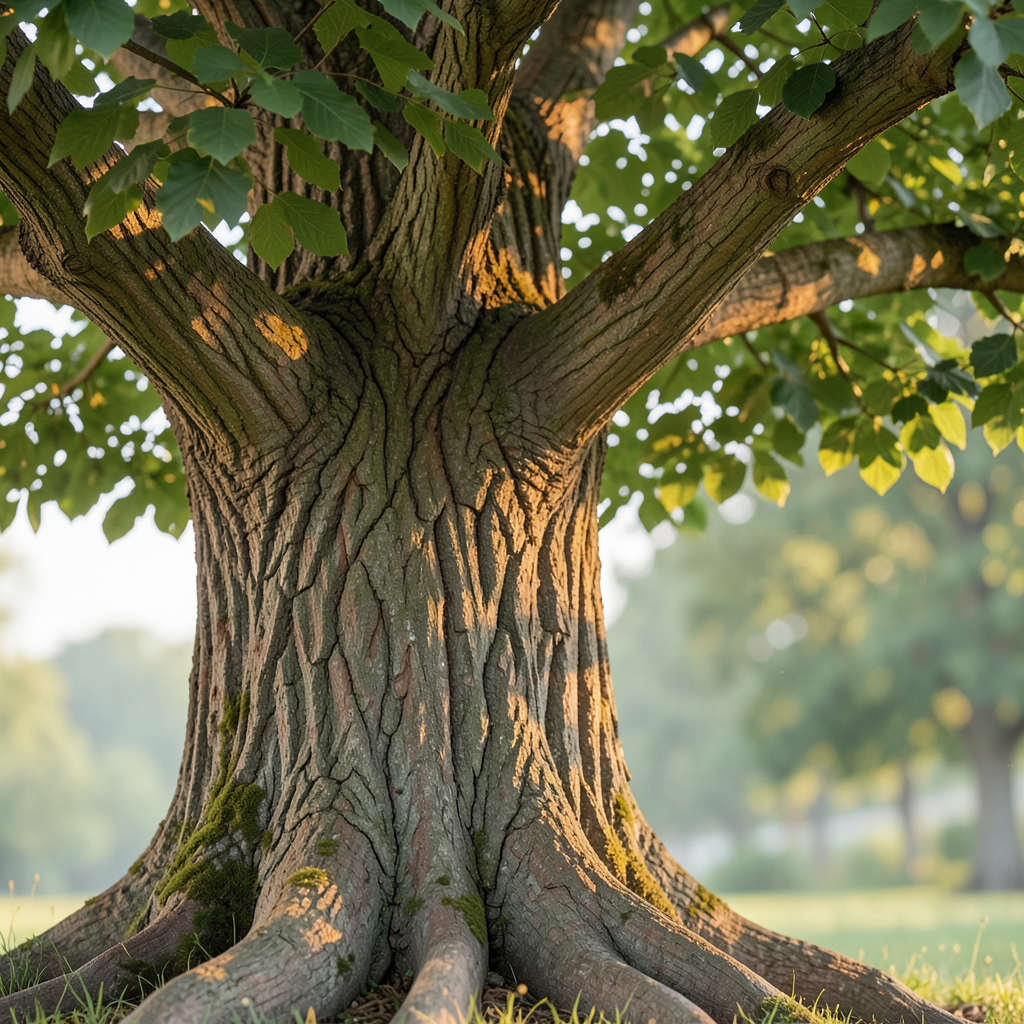
Shape the tree down to the finer details, including bark texture, branch structure, leaves, roots, blossoms, fruit, and canopy form.
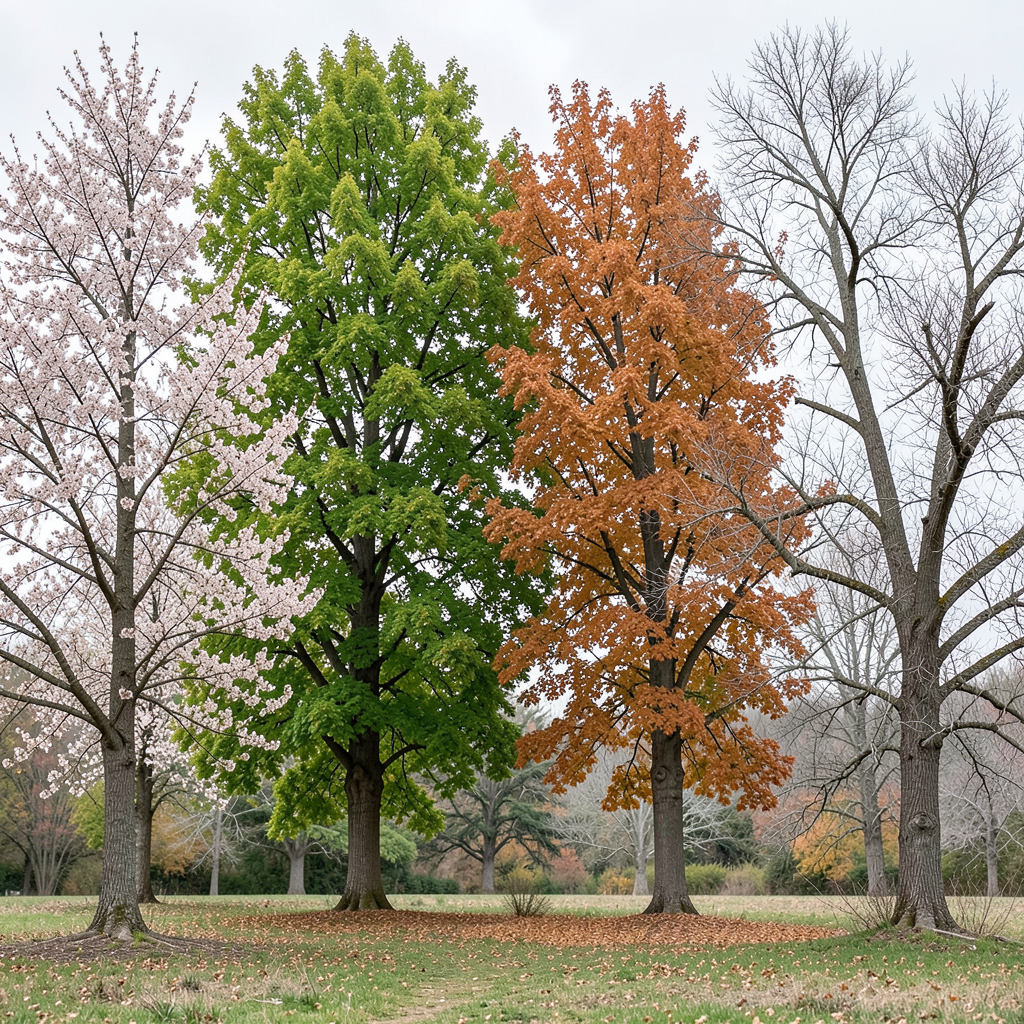
Explore the same tree through spring blossoms, summer foliage, autumn color, winter branches, or changing weather and light.
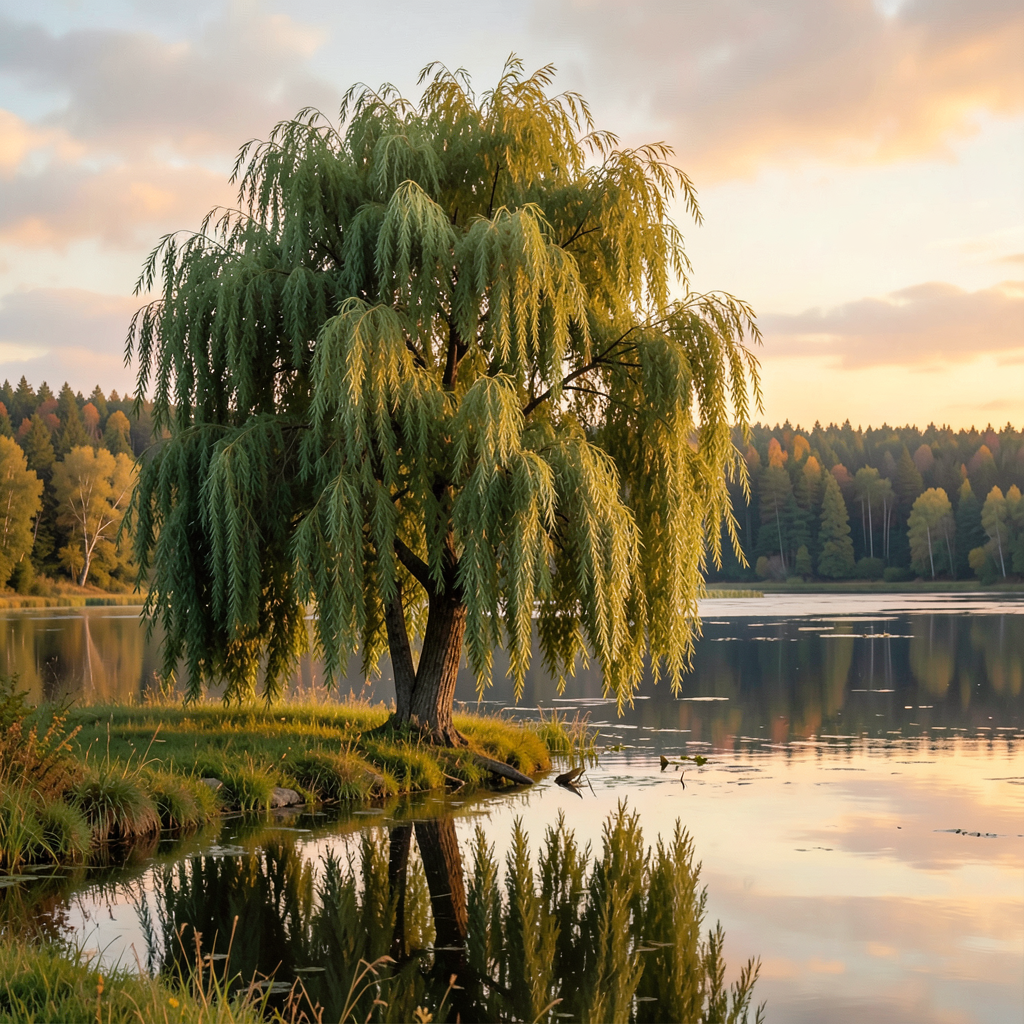
Place trees in forests, gardens, orchards, parks, mountain landscapes, quiet streets, or simple standalone compositions.
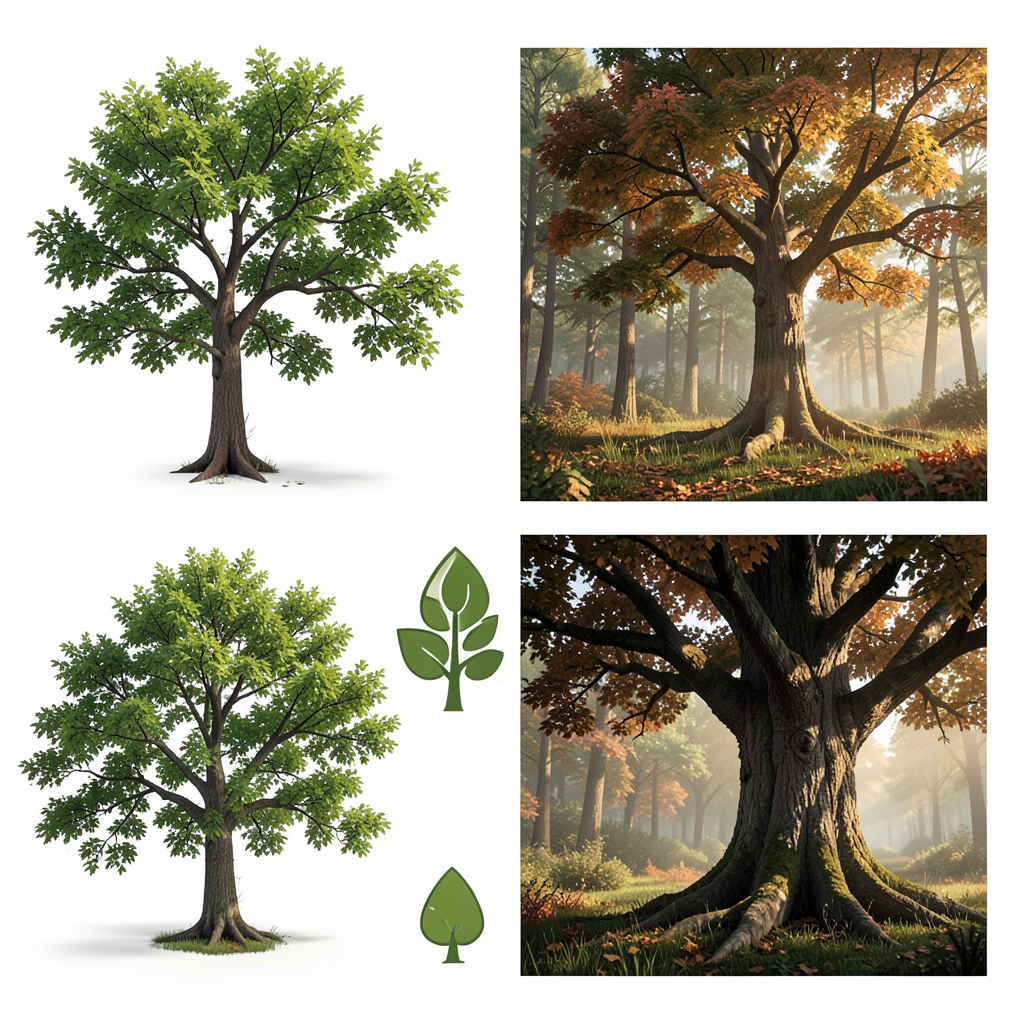
Try different visual directions, from natural field-study scenes and botanical references to painterly compositions and clean, minimal imagery.
Yes. Include the species, leaf shape, bark texture, branch structure, season, and lighting details to get a more specific result.
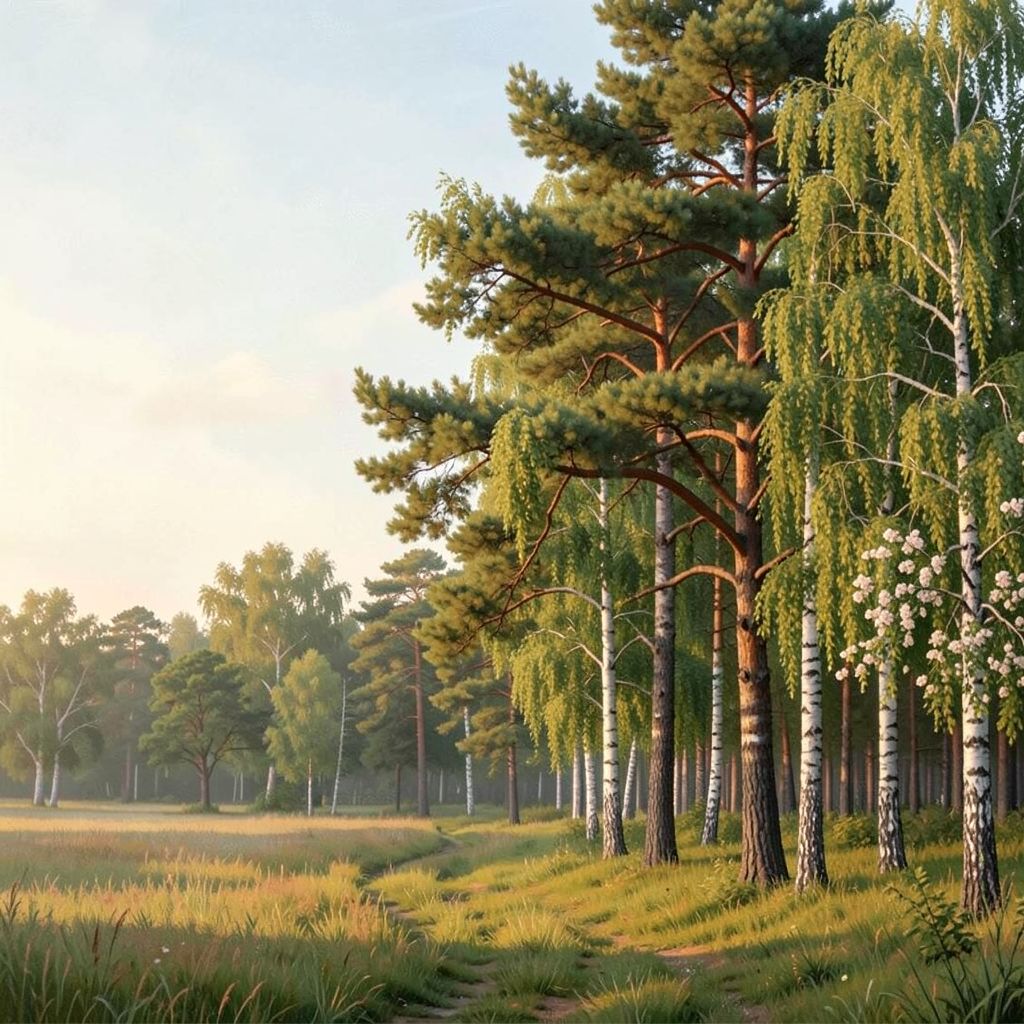
Bring your tree idea into focus with the species, setting, season, and details that matter to you.
Create a Tree